How to Play
1. Log In
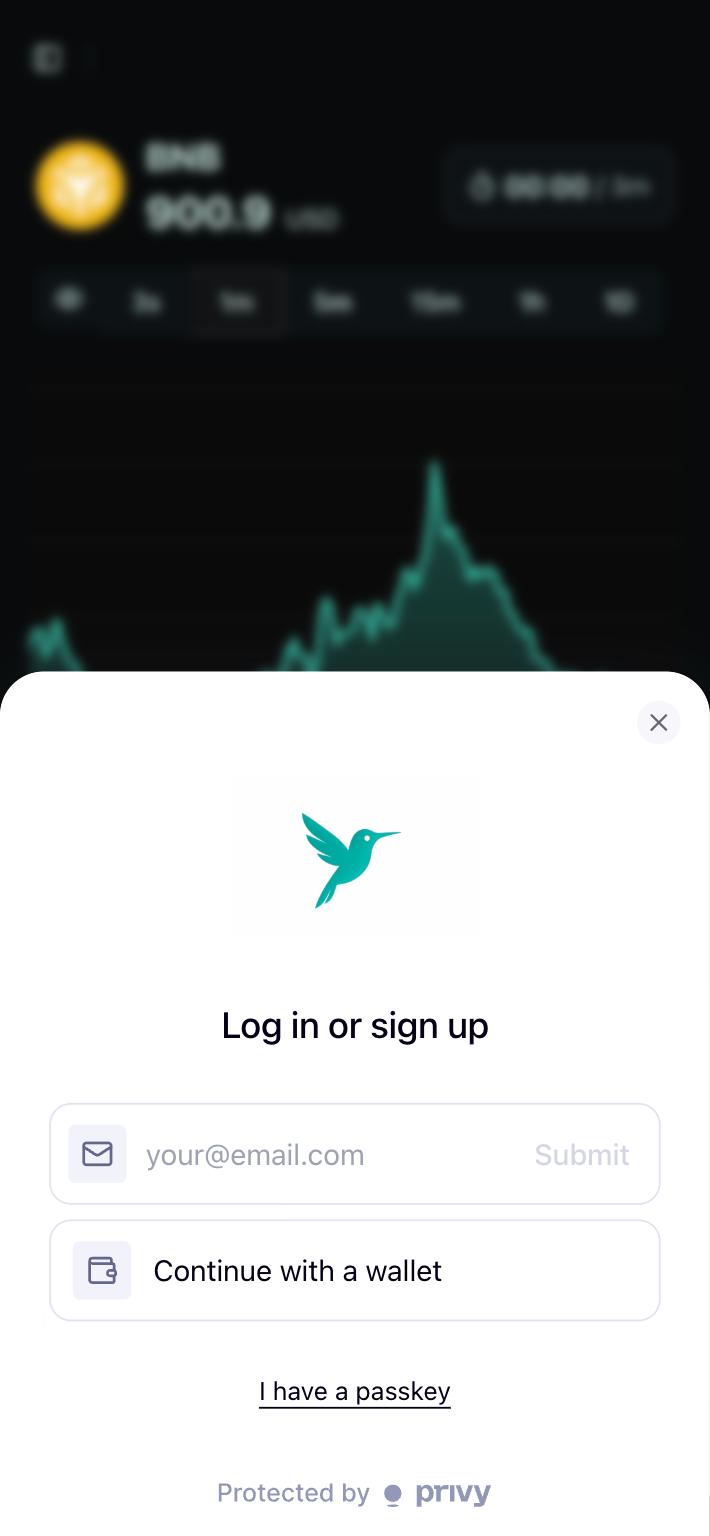
Go to https://app.hyperpredict.app/. You can log in with your email or a web3 wallet (MetaMask, etc.). If you login with email, You can use HyperPredict as gas fee-less.
2. Deposit Funds
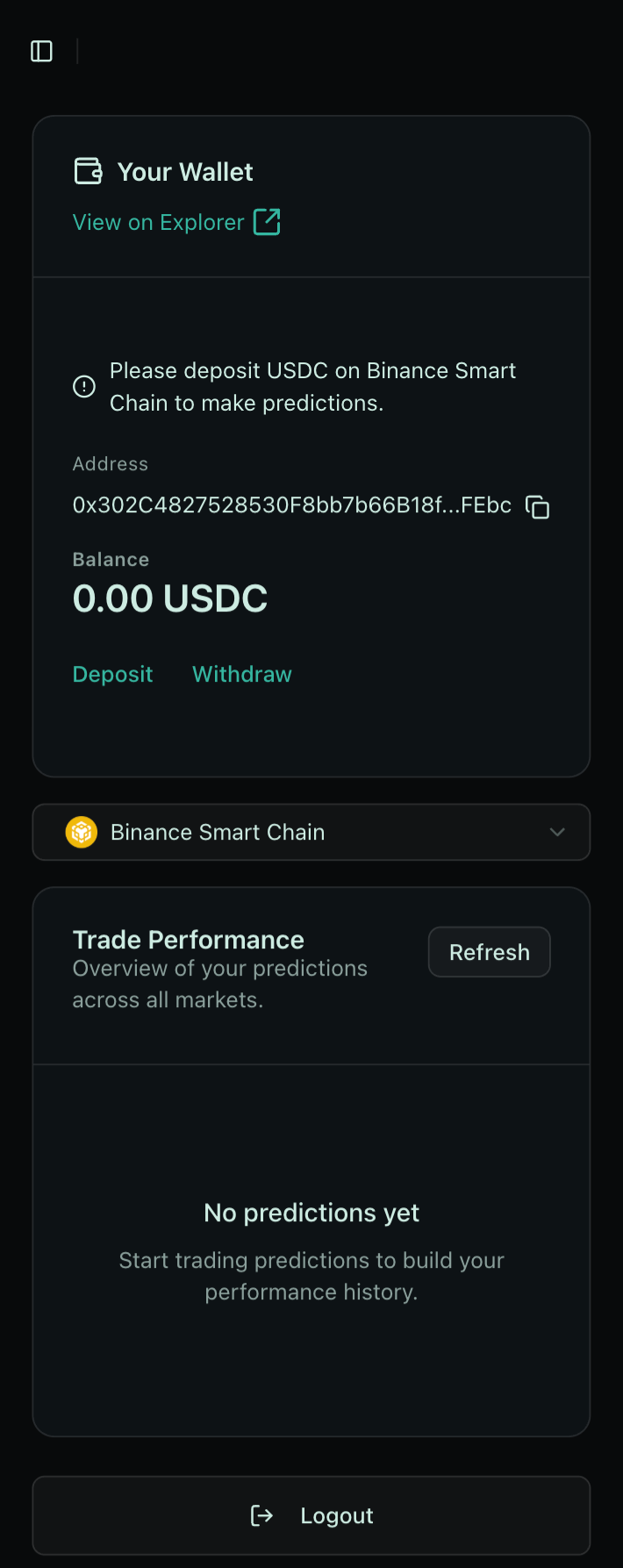
To start trading, deposit funds into your HyperPredict account. All positions are staked in USDC on Binance Smart Chain.
If you need testnet funds, you can mint mock USDC from the wallet page.
3. Set Referrer (optional)
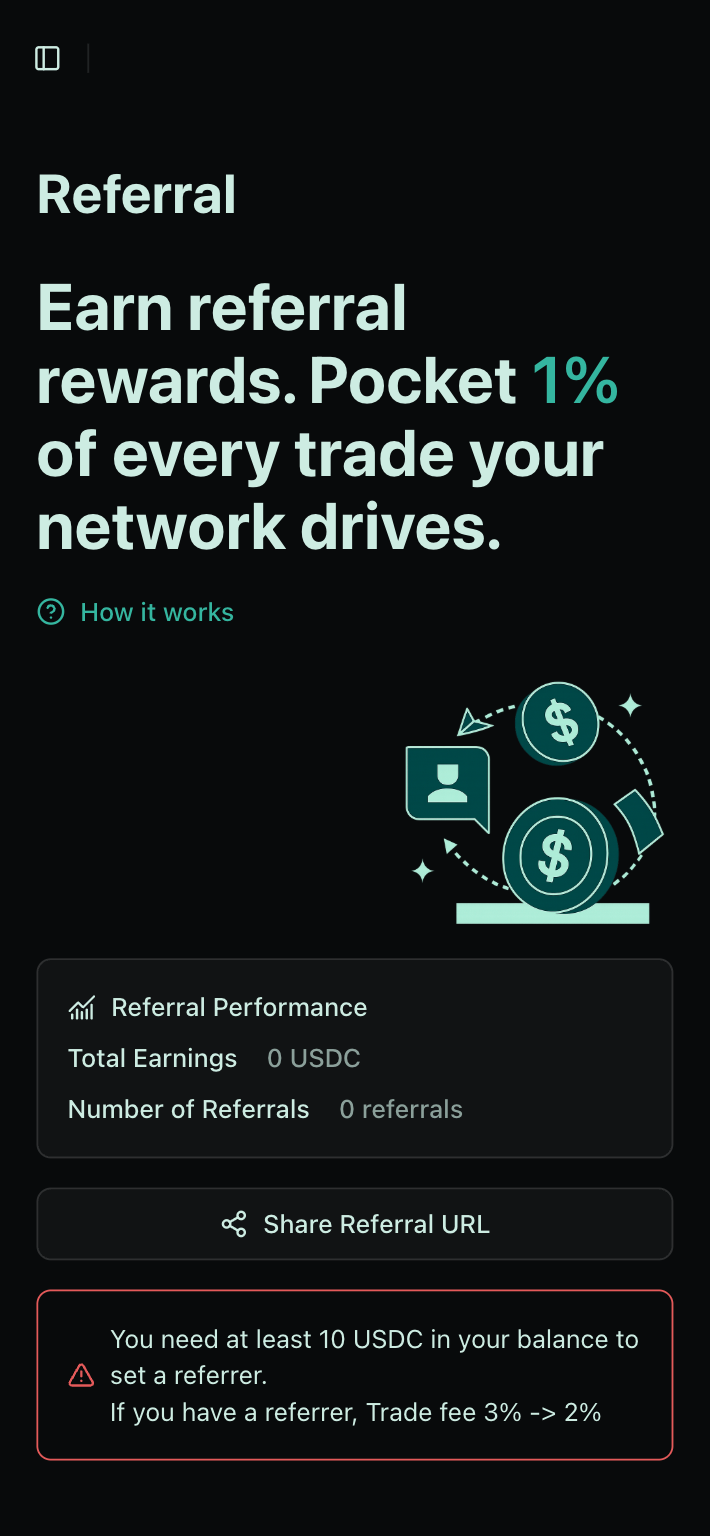
If you have a referrer, set it on the "Referral" page to receive a discount on fees from 3% to 2%.
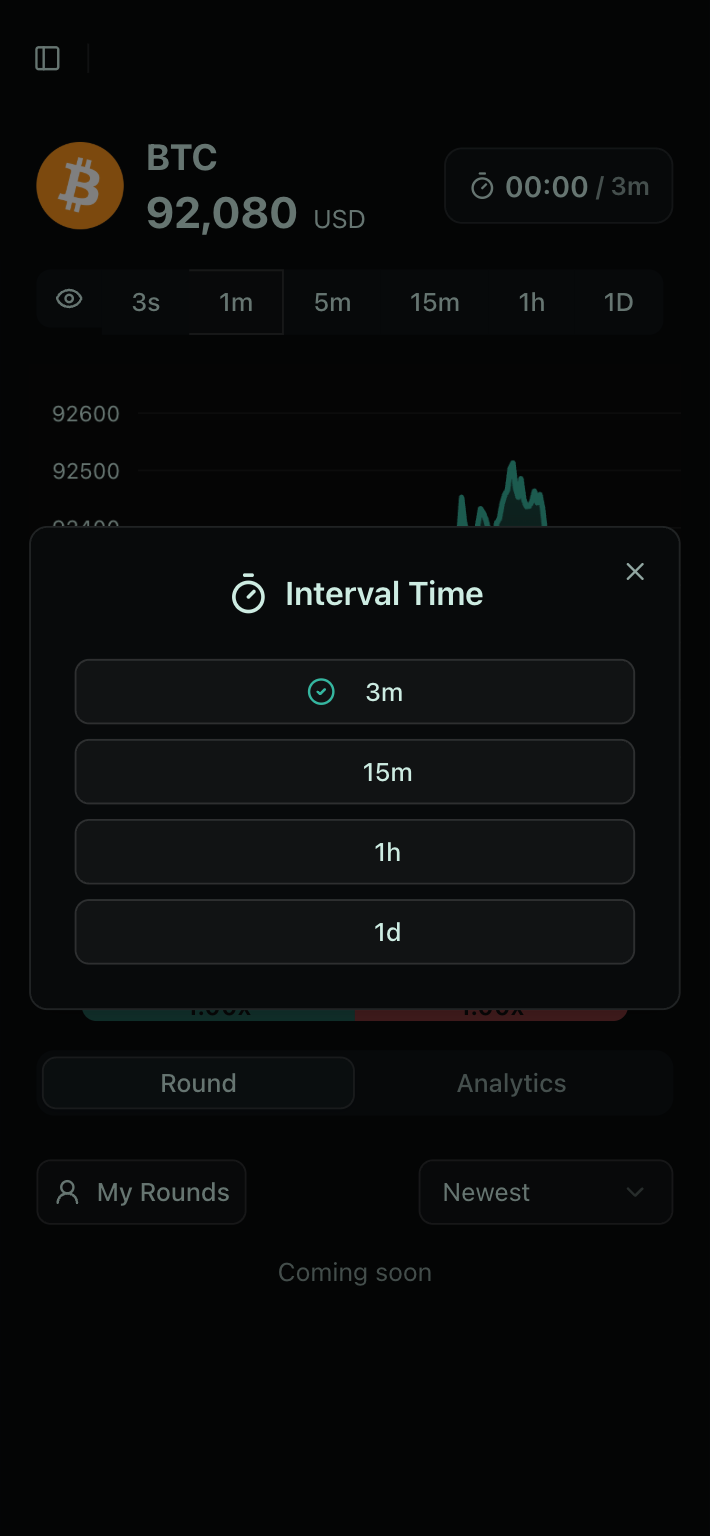
4. Select Token Pair and Interval
Go to the "Prediction" page and choose the token pair and interval you want to trade.

5. Choose UP or DOWN
Select whether you think the price will go UP or DOWN in the selected interval.
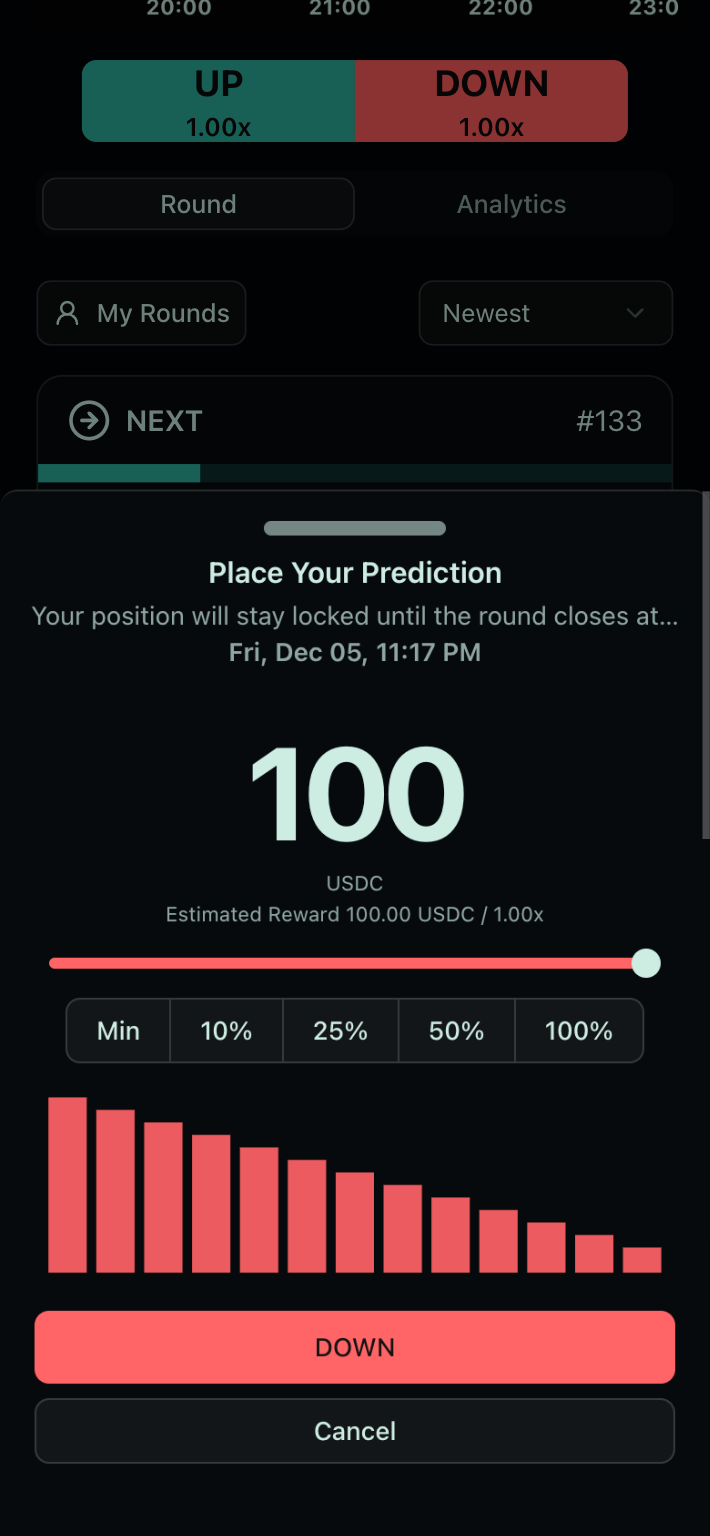
6. Confirm Position
Review your position details and confirm your bet.
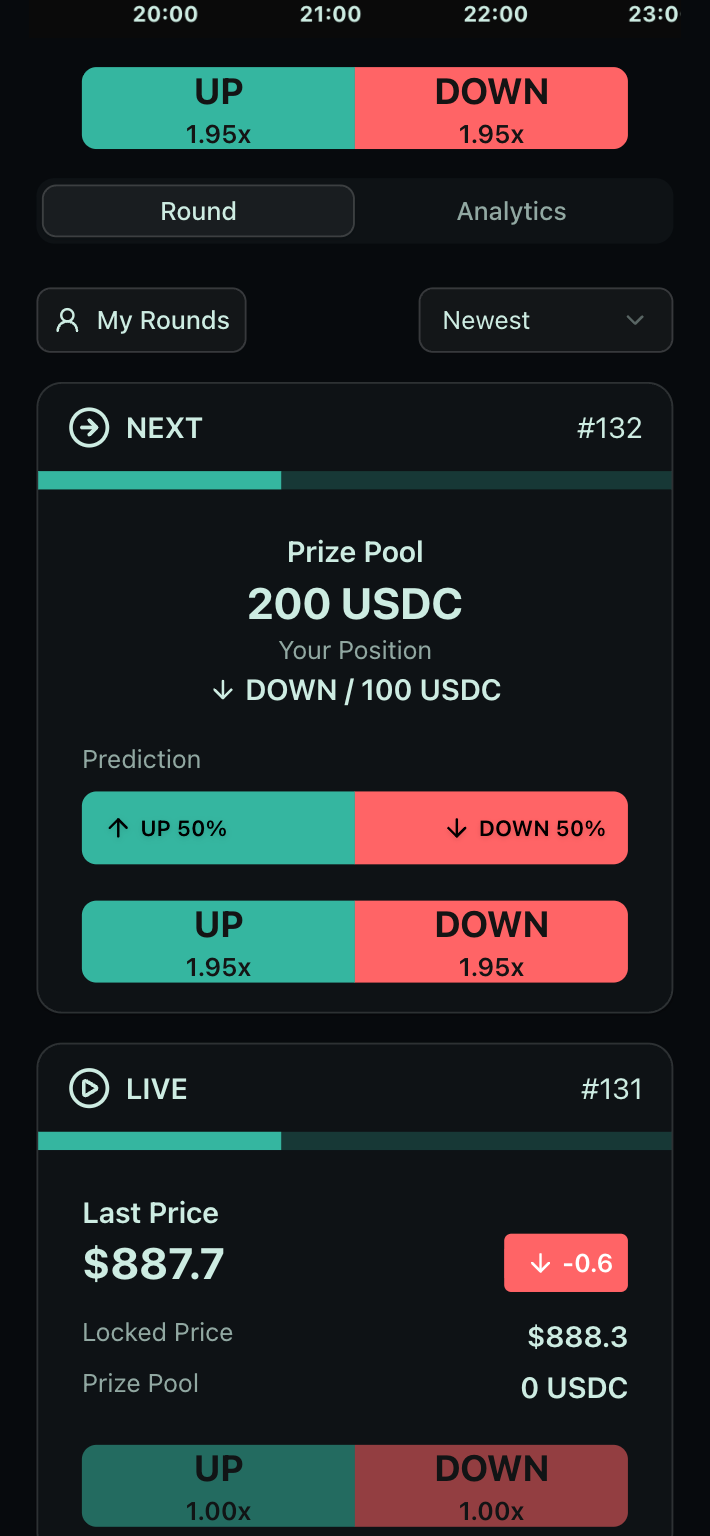
7. Wait for the Round to Settle
Wait for the round to complete. You can monitor the progress on the "Prediction" page.
8. Check Results and Claim Winnings
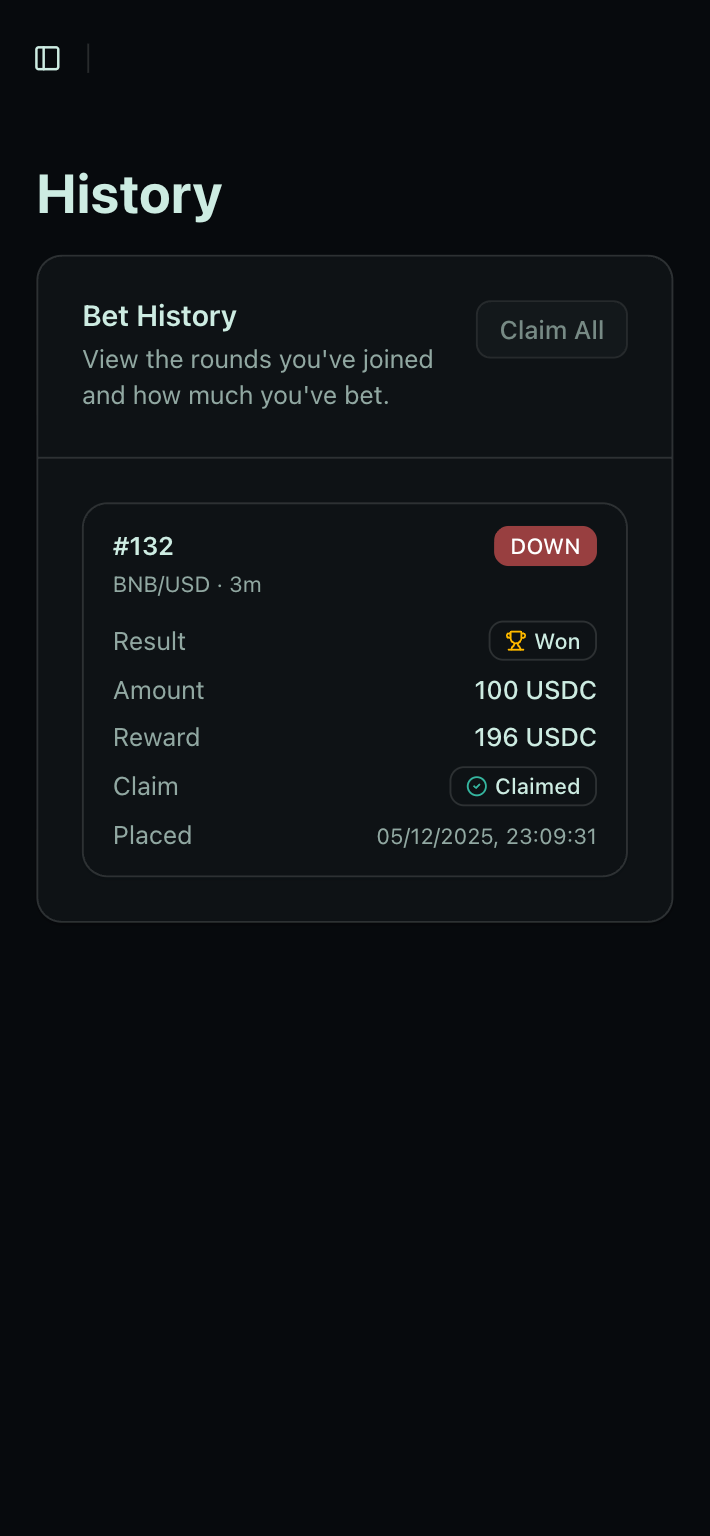
If you open the Prediction page and your position wins, a dialog appears so you can claim your rewards.
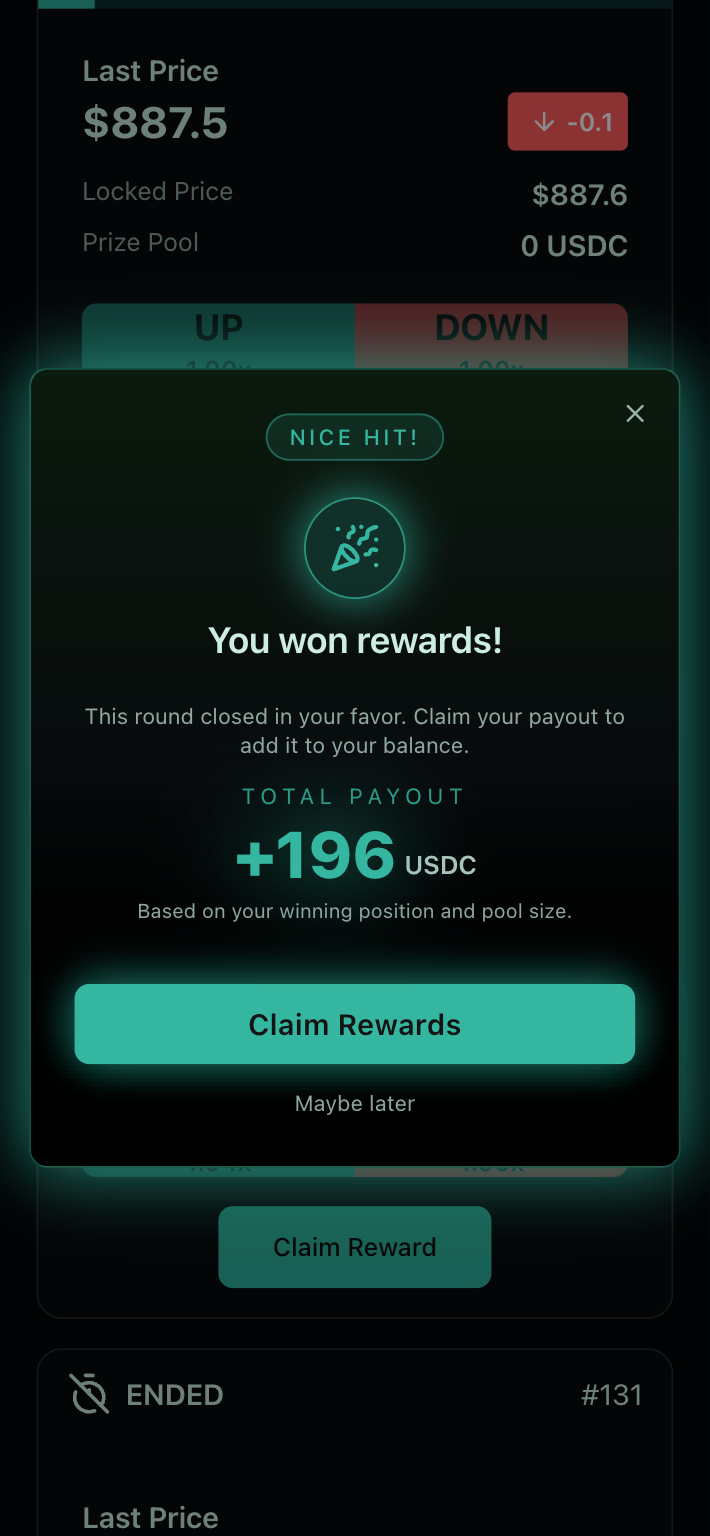
If you want to claim all rewards at once, go to the "History" page and click "Claim All" (https://app.hyperpredict.app/history).